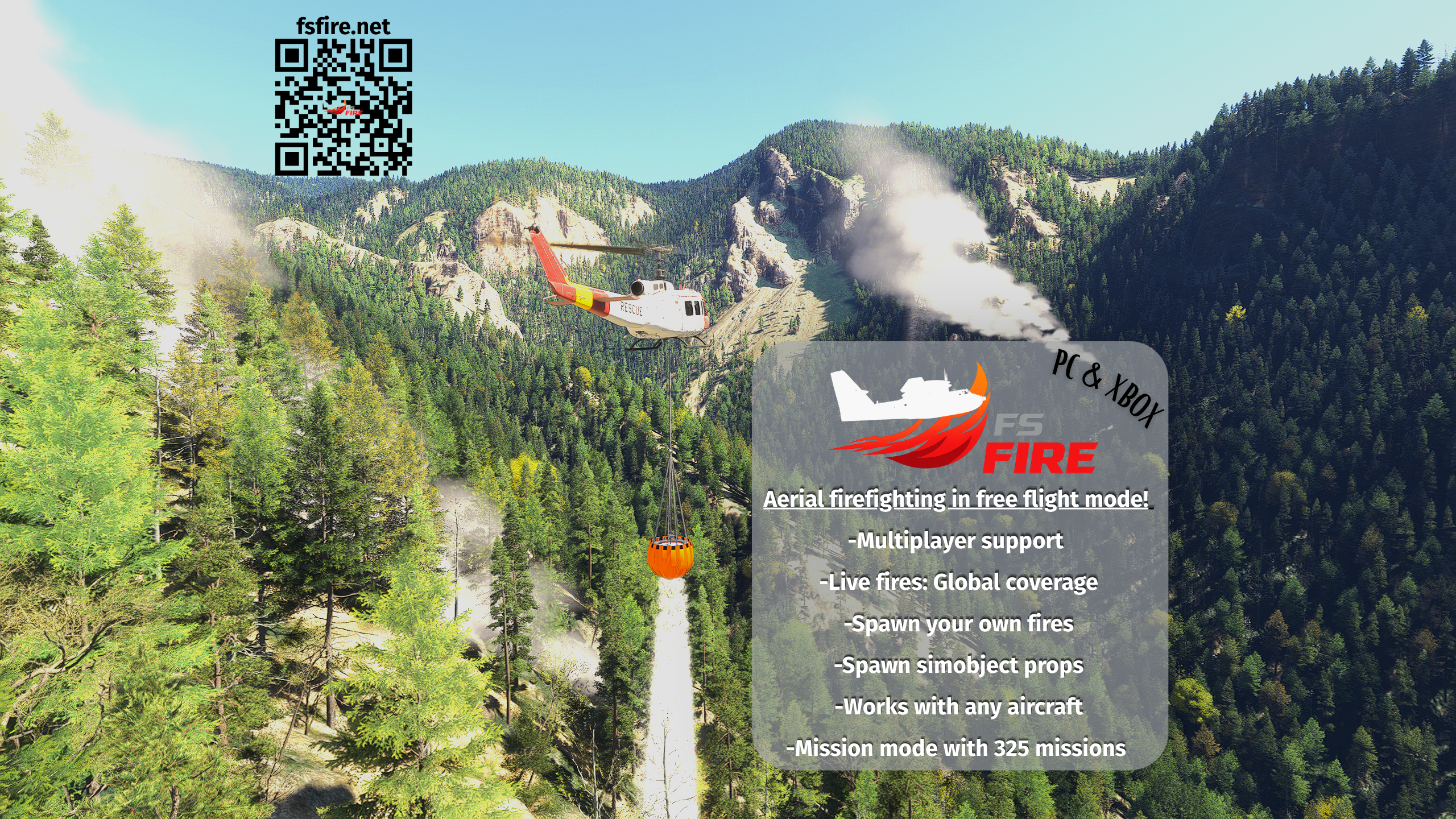
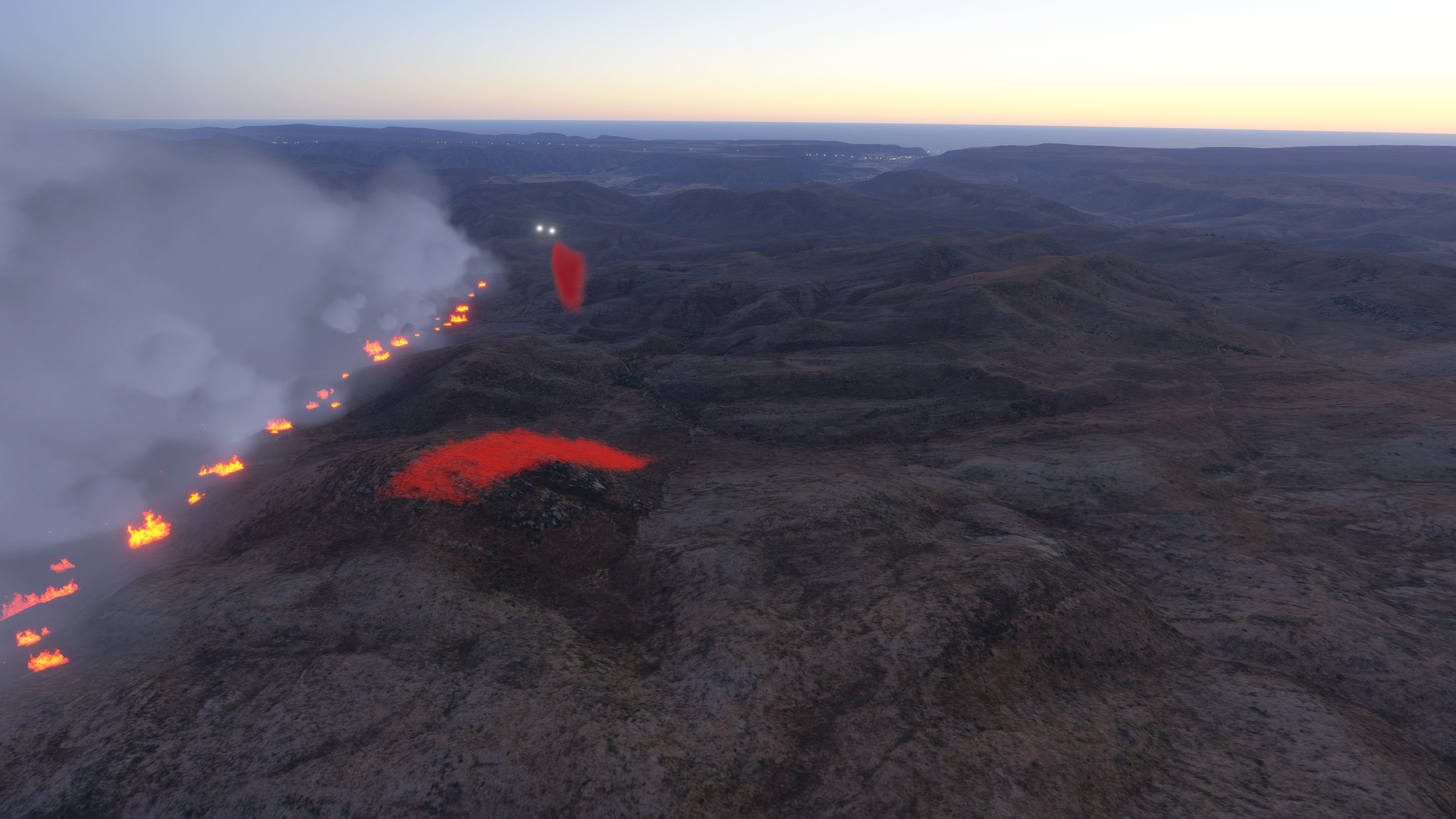
FS Fire brings the intensity of aerial firefighting into MSFS with realistic simulation, live satellite data, and deep multiplayer support.
🔥
Total Fire Control
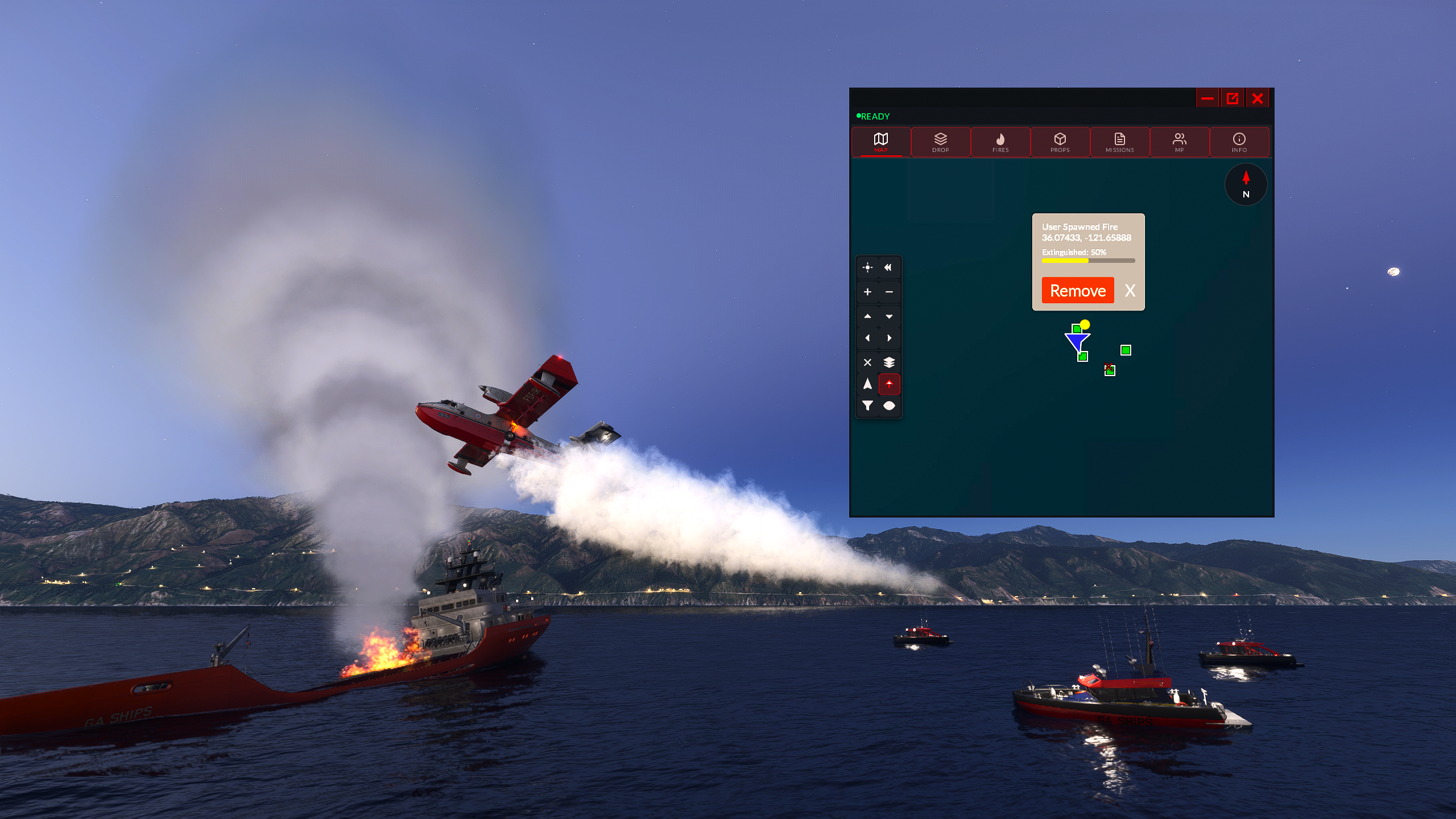
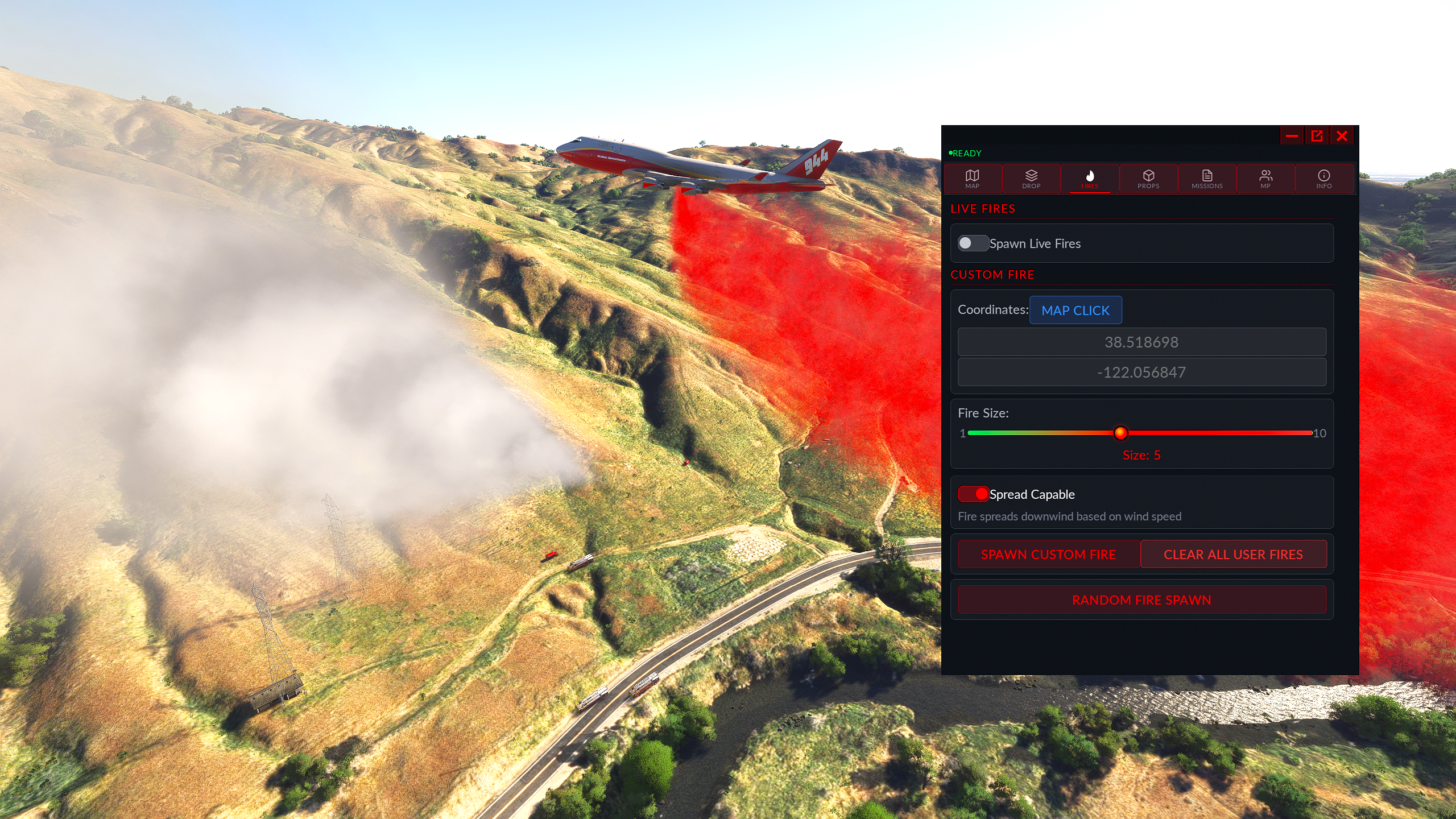
FS Fire pulls real active fire data from NASA's VIIRS satellites — Suomi NPP, NOAA-20, and NOAA-21 — at 375m resolution, refreshed every 30 minutes by a cloud backend. Each hotspot's fire radiative power (FRP) is mapped to an appropriate fire size — so a major California blaze spawns differently than a small brush fire. Beyond live data, you can manually spawn custom fires anywhere in the world using map-click placement or direct coordinates, with sizes from 1 to 10. Enable wind-driven spread and fires will grow and shift downwind in real time based on wind speed and direction. Larger fires require multiple hits to extinguish — click any fire icon on the map to track its current extinguish percentage.
🛩️
Physics-Based Drop System
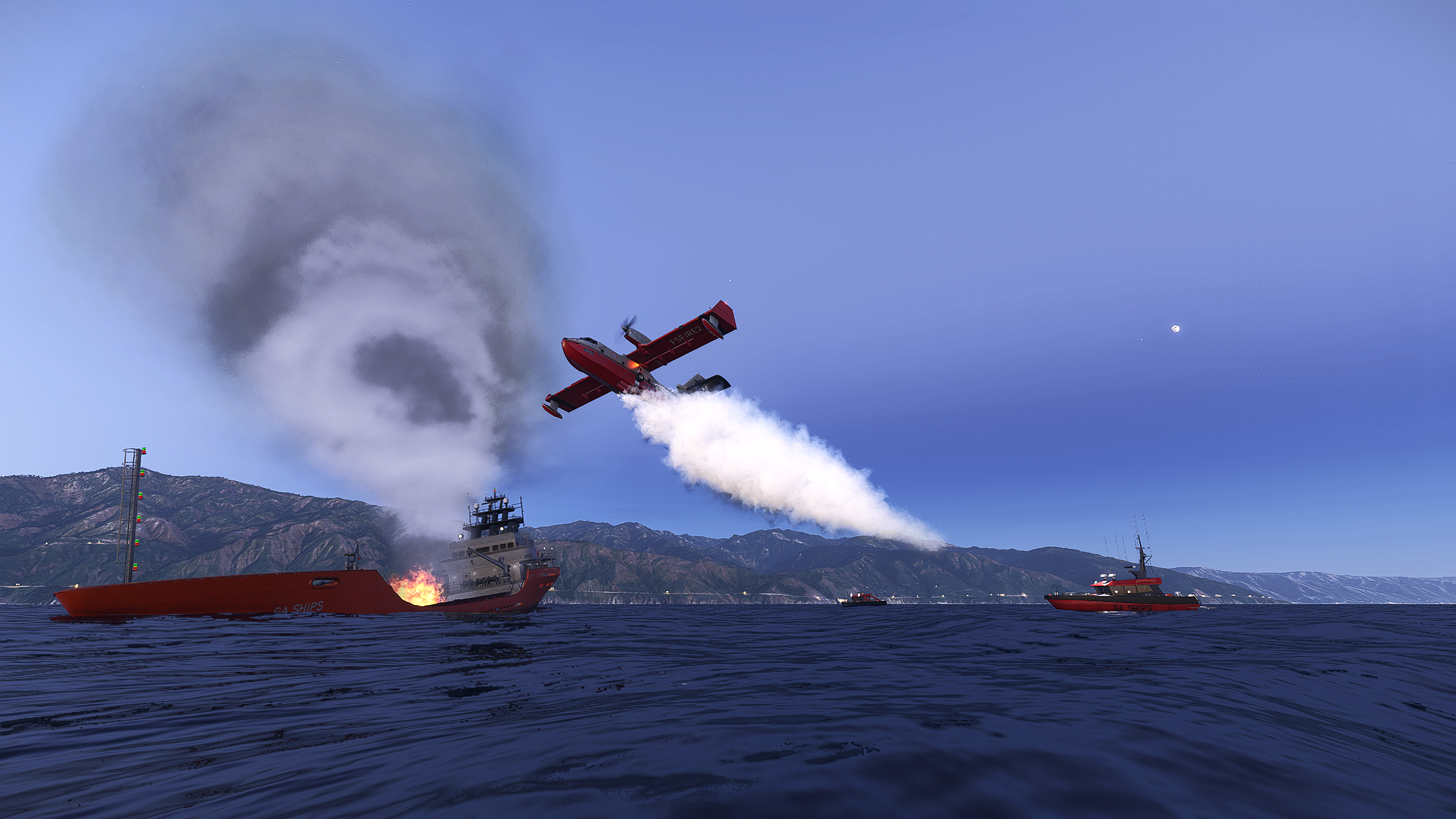
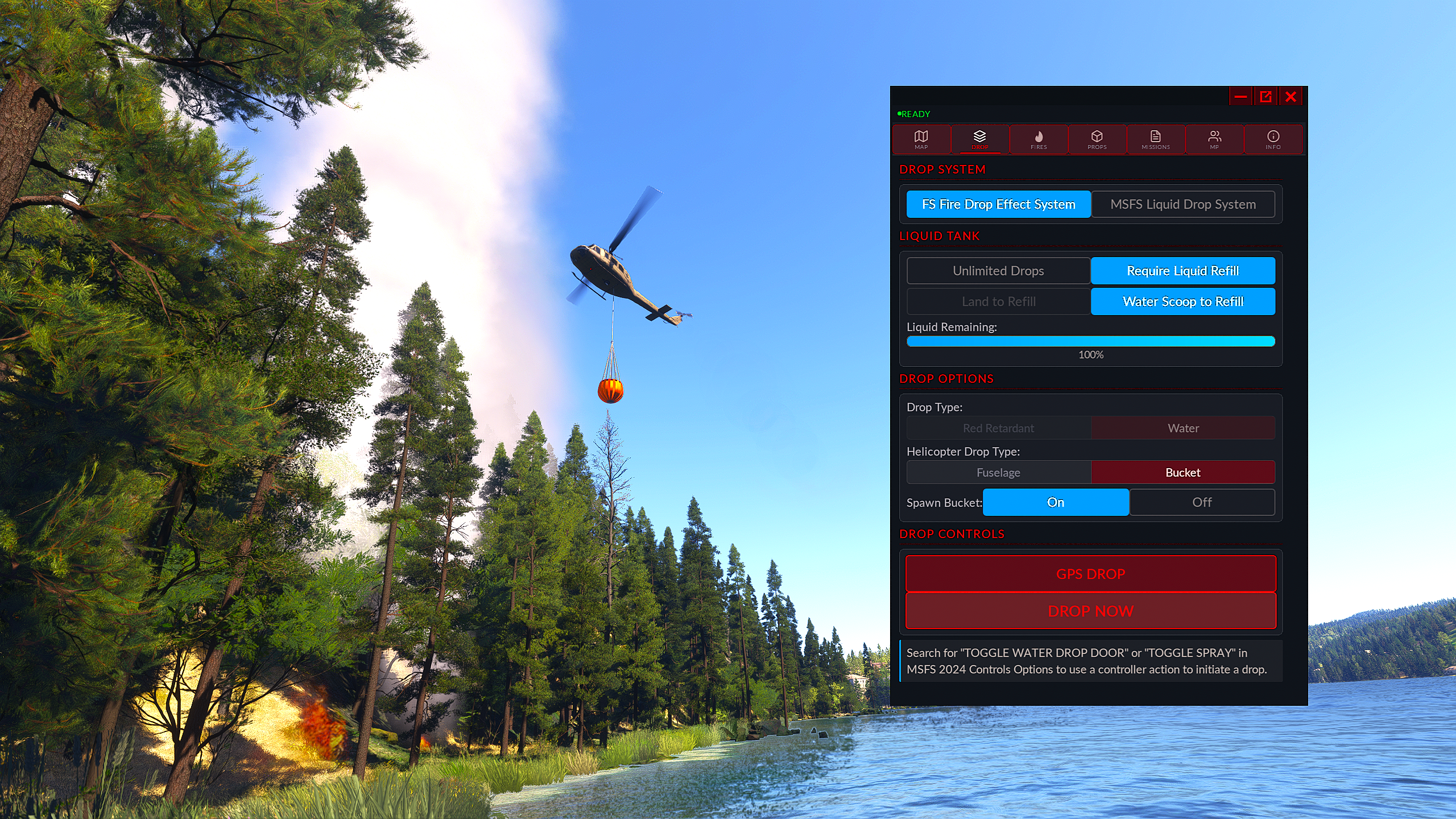
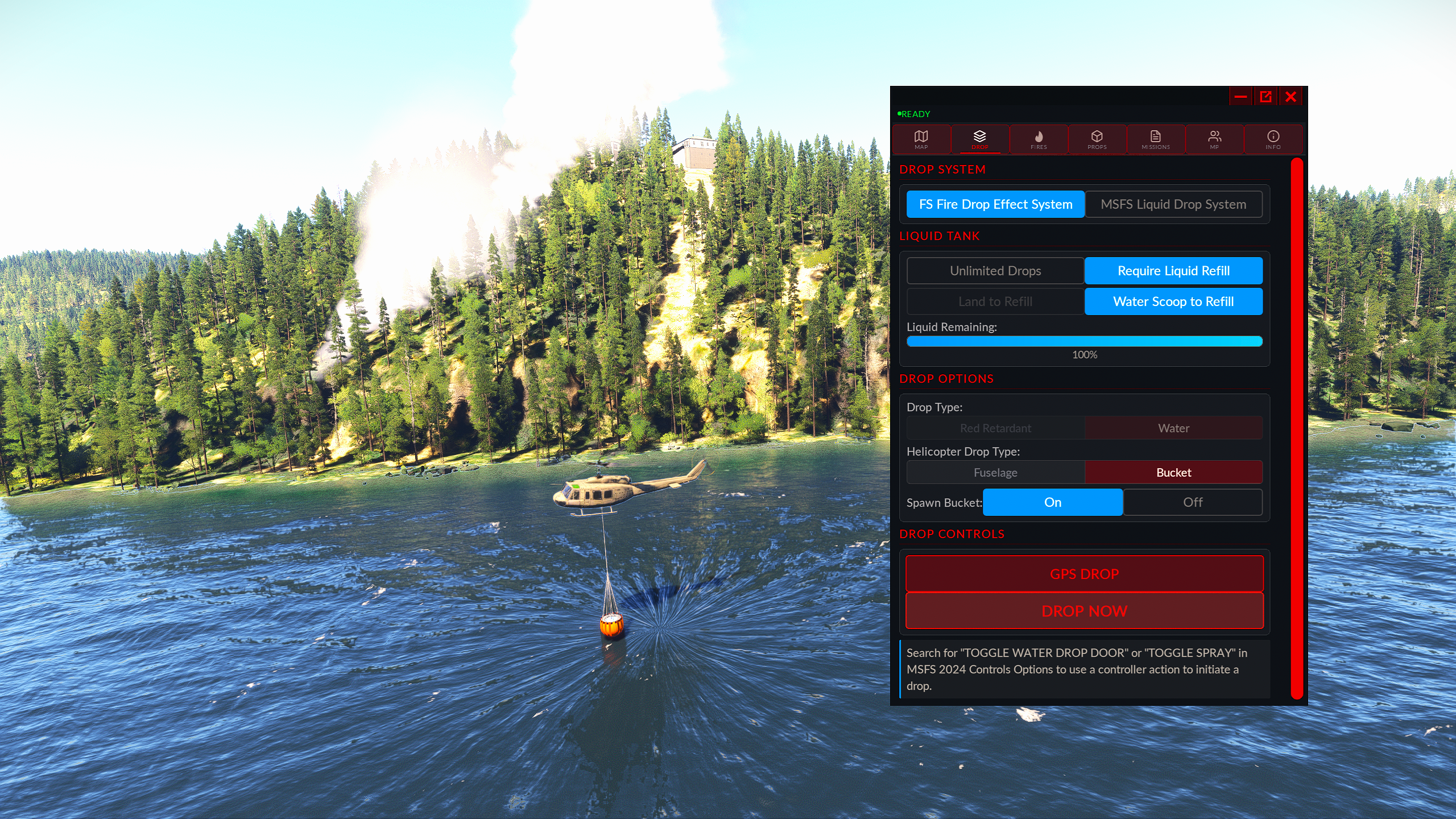
Drop calculations factor your altitude AGL, ground speed, and heading to place retardant or water exactly where physics says it should land. Elliptical splash zones grow with altitude and airspeed, forward travel is modeled, and hits are computed against a dynamic fire radius. Works with any aircraft via the FS Fire VFX engine, or with native MSFS firefighting capable aircraft. Choose unlimited drops, set how many drops you get from a full tank, or enable the "Tank Refill" capability. Red retardant leaves a visible stain on the ground that acts as a firebreak, and armed GPS drops draw their trigger ring on the map at true ground scale.
🌐
Full Multiplayer Support
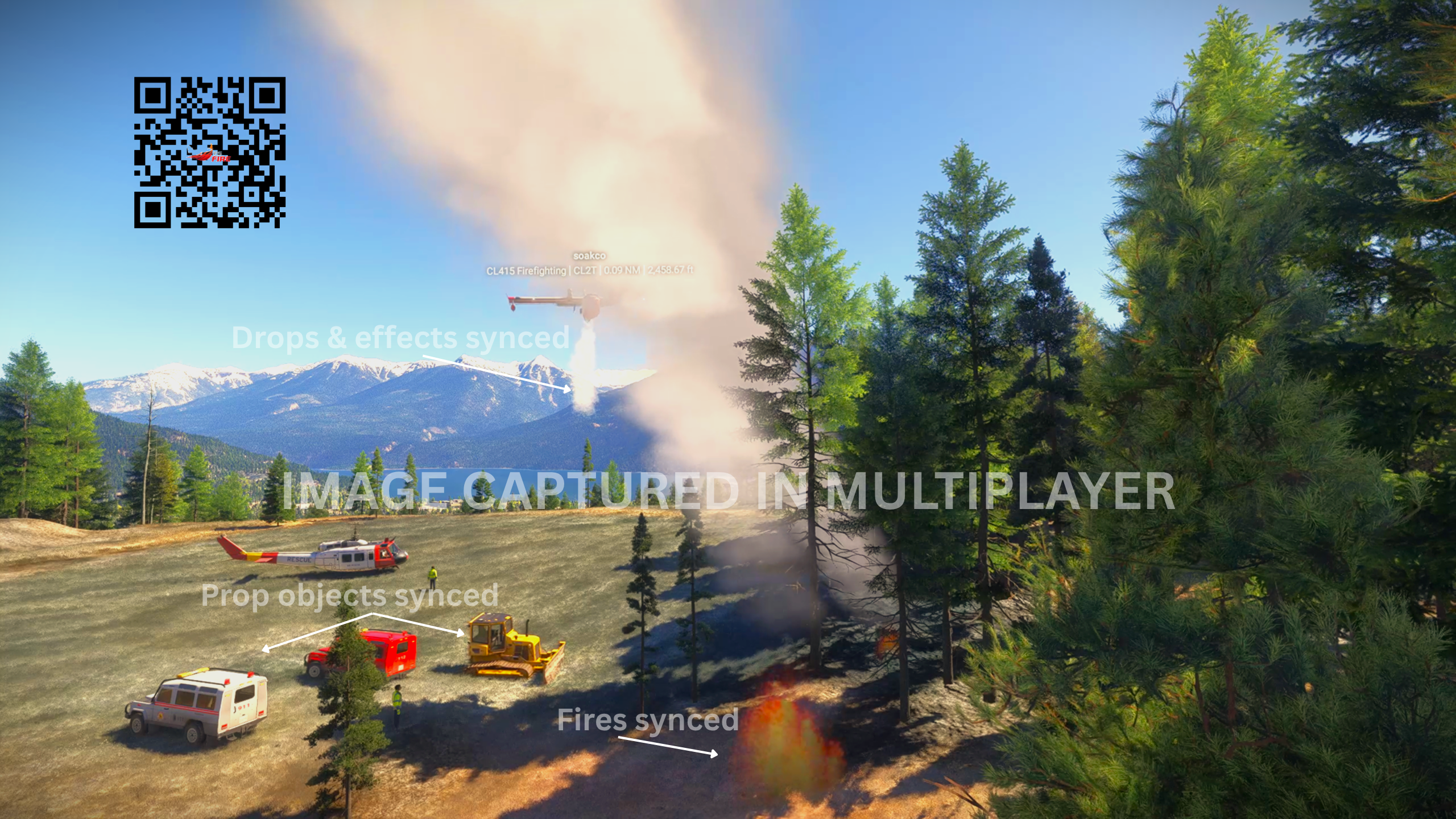
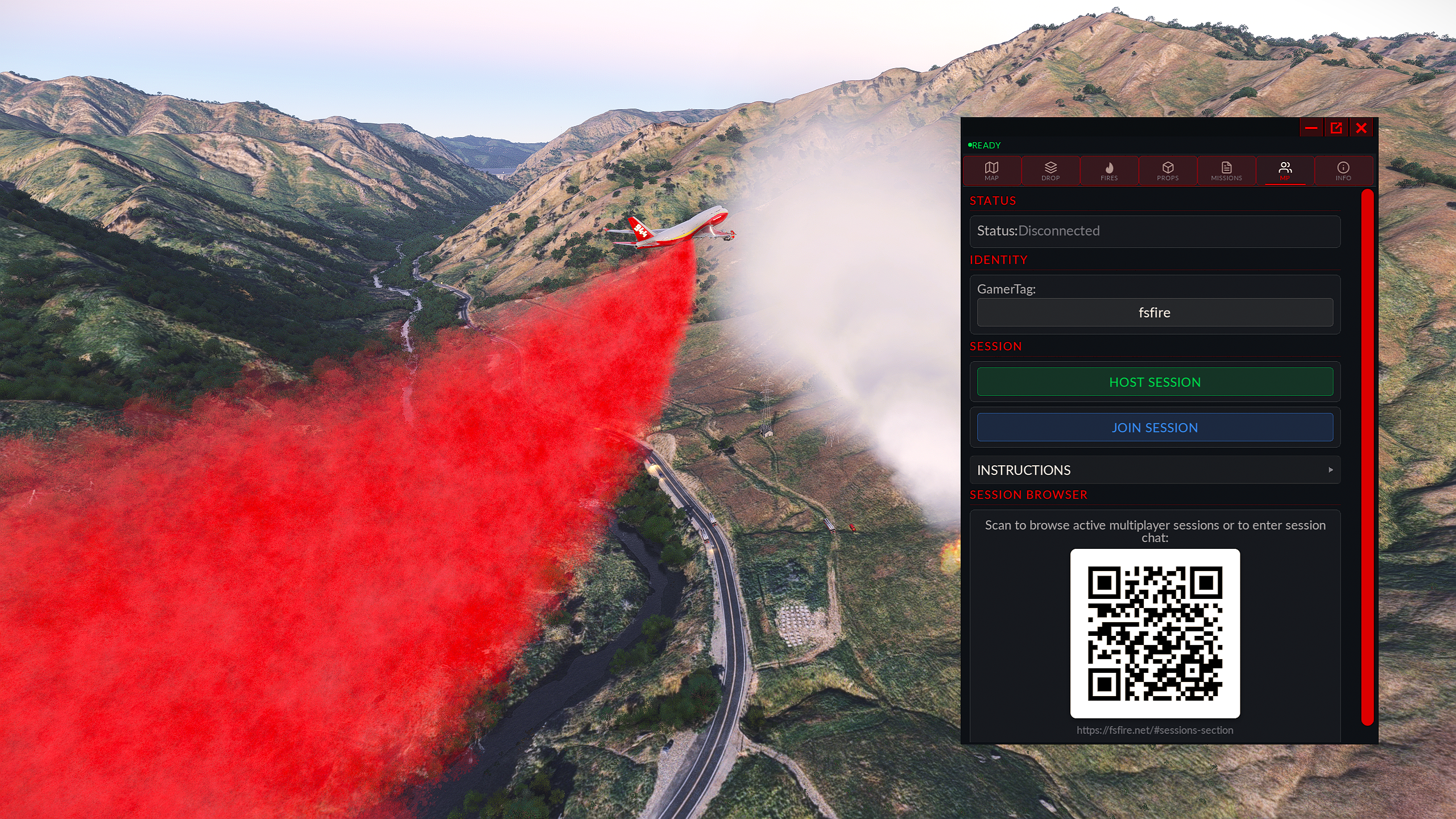
Host a session and fly with other players across VATSIM, IVAO, or native MSFS multiplayer. Fire state, prop objects, VFX drops, and retardant hits all sync in real time. Session hosts have total control over a session — live fire spawning, manual fire spawning, prop spawning, and guest management functions. All fires, props, drops, and drop effects are seamlessly synced in multiplayer.
🪣
Helicopter Bucket
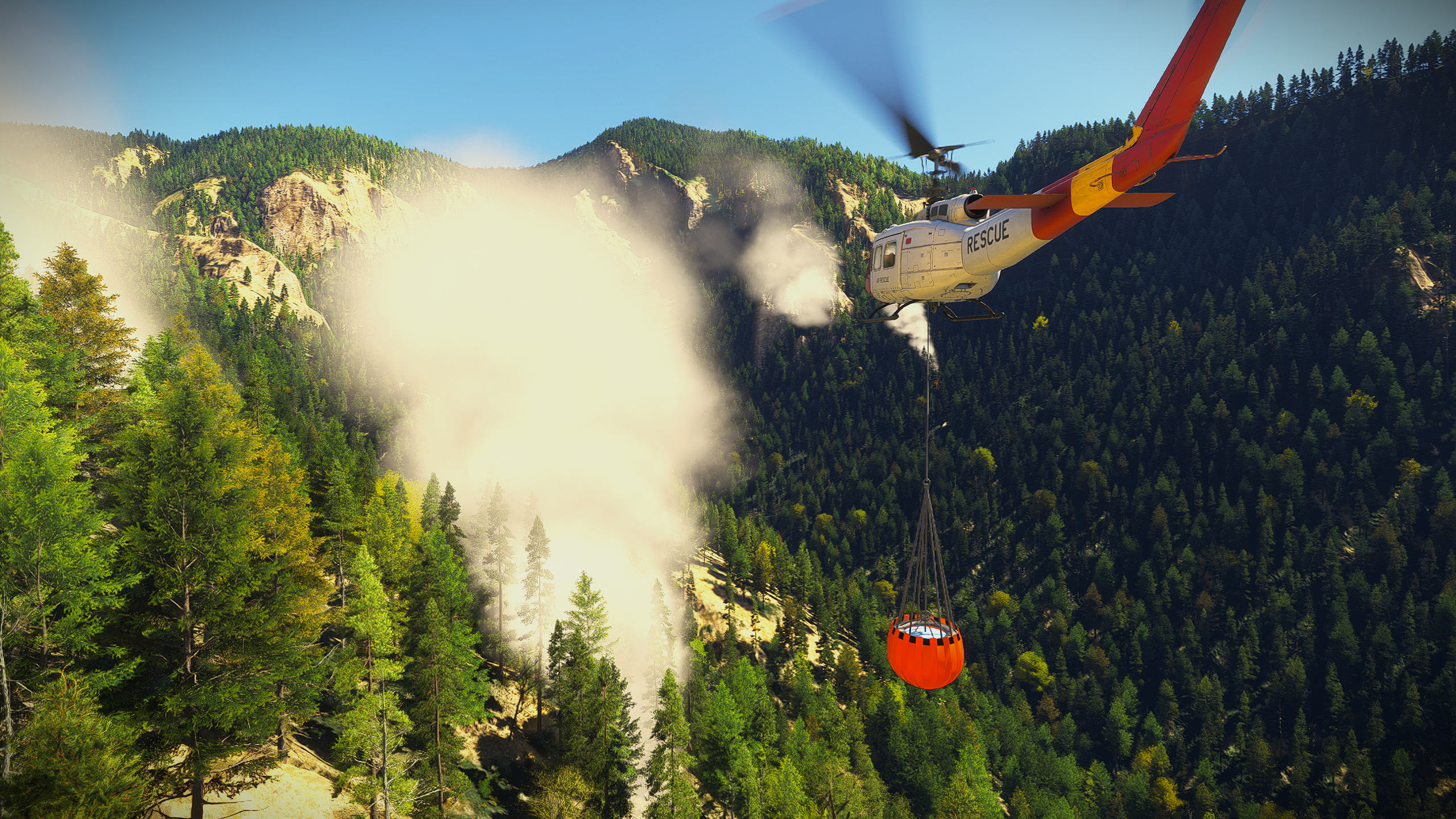
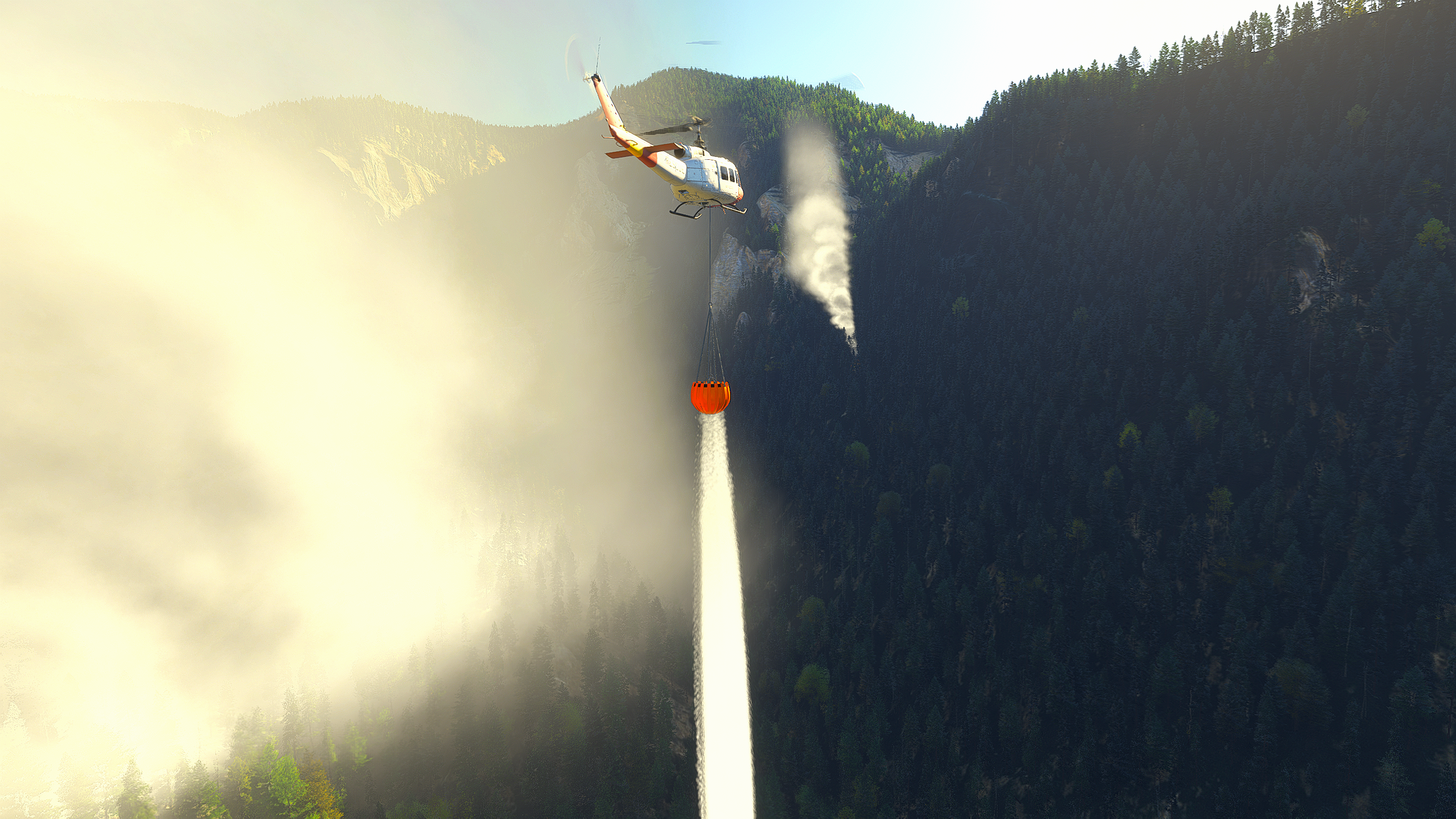
Spawn a suspended helicopter water bucket under any helicopter, complete with water scooping capability over any body of water and realistic drop physics and effects. Position the bucket left/right, forward/aft and up/down in feet to hang correctly from whatever you fly, and tune how freely it swings with your pitch, roll and yaw.
🎯
Mission System
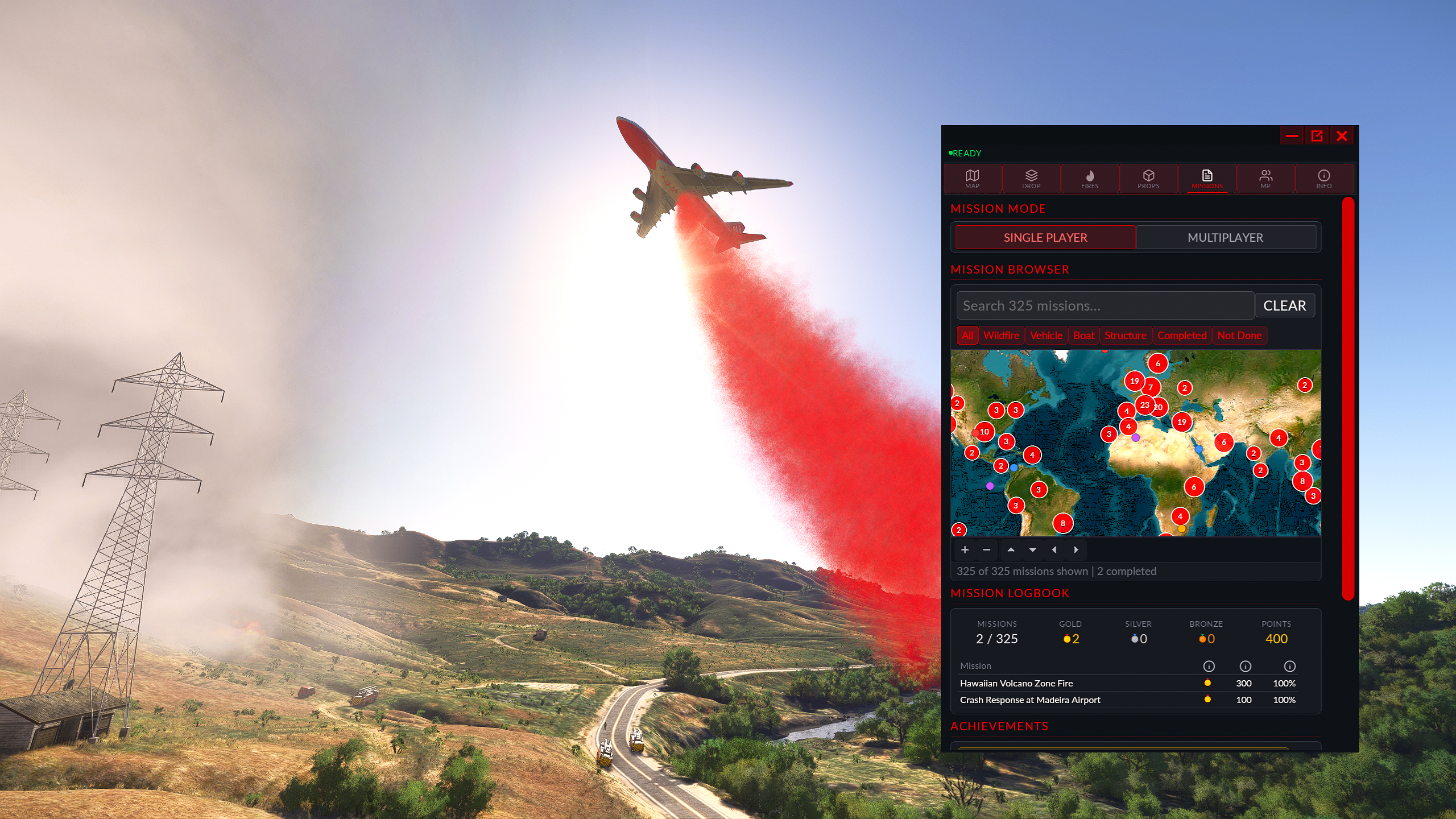
325 handcrafted missions at real-world POIs globally — fires, vehicle incidents, boat emergencies, and structure fires. Each mission logs your drop efficiency (minimum drops ÷ actual drops × 100%) and awards Gold, Silver, or Bronze medals. Daily Challenges double your points, Weekly Goals track ongoing progress, and a persistent logbook stores your best result per mission. Missions can be completed solo or in multiplayer with the help of others.
🗺️
Live Moving Map
A multi-layer map follows your aircraft in real time using a 30 fps physics interpolation loop. Toggle track-up or north-up, use the declutter control to filter between all markers, fires only, or none. Switch on the Reported Fire Incident Feed for real-world wildfires across the US, Canada and Europe. Fire icons change colour as you work them, so you can see at a glance which are nearly out. Click any fire marker for a popup with size and AGL data, draw a fire line between two points, click the map to get coordinates for a precision GPS drop, and place or drag simobject props directly on the map. In multiplayer, other players in your session appear on the map with live position updates.
🧱
Simobject (Props) Scene Builder
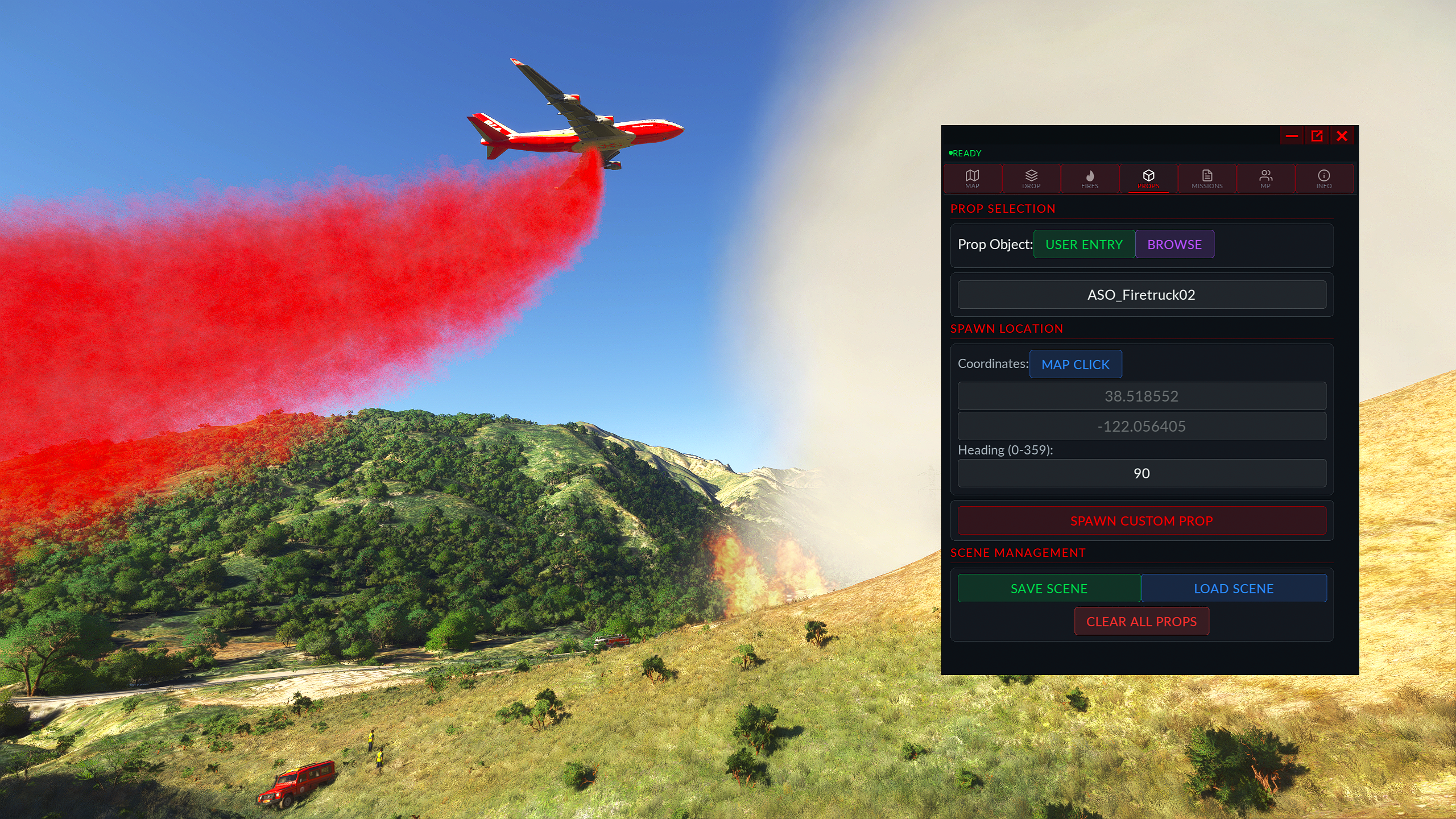
Browse the MSFS simobject catalog — hundreds of default objects, direct user entry, or MSFS 2024 file system scanned simobjects — spanning aircraft, ground vehicles, boats, animals, humans, and landmarks. Spawn any object by map-click or coordinate, rotate its heading, and drag it to reposition. Save and load entire scenes including fire layouts and drawn fire lines, with optional prop-only or fires-only saves. Panel settings are also remembered per aircraft, so each airframe returns to its own configuration.
💬
Session Chat & Coordination
Built-in session chat syncs messages across all connected players. Share your session with an 8-digit code or a QR code linking to the live session browser. Use the live session browser to find active multiplayer sessions to join, or host your own session. Session hosting can be public or private.
🌍
Six Languages
Full UI localization in English, Italian, German, French, Spanish, and Portuguese across every panel, button, and tooltip.